








Is Fortnite appropriate for 10-year-olds? As one of the most widely played games among kids, it comes with questions around age-appropriateness and online safety. This guide breaks down Fortnite’s age rating, potential safety issues, and available parental controls, helping you decide if it’s the right game for your family.
What Is Fortnite and Why Is It So Popular?

Fortnite is a popular online video game developed by Epic Games, first released in 2017. It’s best known for its battle royale mode, where up to 100 players fight to be the last one standing on a large, shrinking map. The game combines elements of shooting, building structures, and strategy, making it unique compared to other battle royale games.
Key features:
- Battle Royale: The most popular mode where players compete solo, in duos, or in squads.
- Creative Mode: Players can build their own worlds, games, and challenges.
- Save the World: A cooperative PvE (player vs environment) mode where players fight zombies and complete missions.
- Regular Updates & Events: Fortnite frequently introduces new skins, weapons, limited-time events, and collaborations with movies, music, and other games.
It’s available on multiple platforms: PC, consoles (PlayStation, Xbox, Nintendo Switch), and mobile devices.
Fortnite: Battle Royale turned the game into a huge cultural sensation. Launched in 2017, it still holds a strong influence today. If you’ve caught your child mentioning phrases like “the fastest way to do 90s” or “getting one-pumped,” they’re most likely talking about Fortnite.
Fortnite Age Rating: What Age Is It Suitable For?

Fortnite carries a T for Teen (13+) rating from the Entertainment Software Rating Board (ESRB), and Common Sense Media also suggests it for players aged 13 and older.
That said, with proper supervision and the use of parental controls, Fortnite can be made safer for younger players. If your 10-year-old is eager to play, there are steps you can take to help make the game more age-appropriate.
In-Game Communication and Profanity
Fortnite itself doesn’t contain profanity or crude language, but the game’s open chat feature can expose children to certain risks, including:
- Inappropriate language from other players
- Harassment or bullying
- Potential contact with online predators
To reduce these risks, parents can use parental controls to filter language or disable chat completely. It’s also important to teach your child how to block, mute, and report other players, and explain why these actions are necessary for their safety.
Understanding Fortnite’s Microtransactions
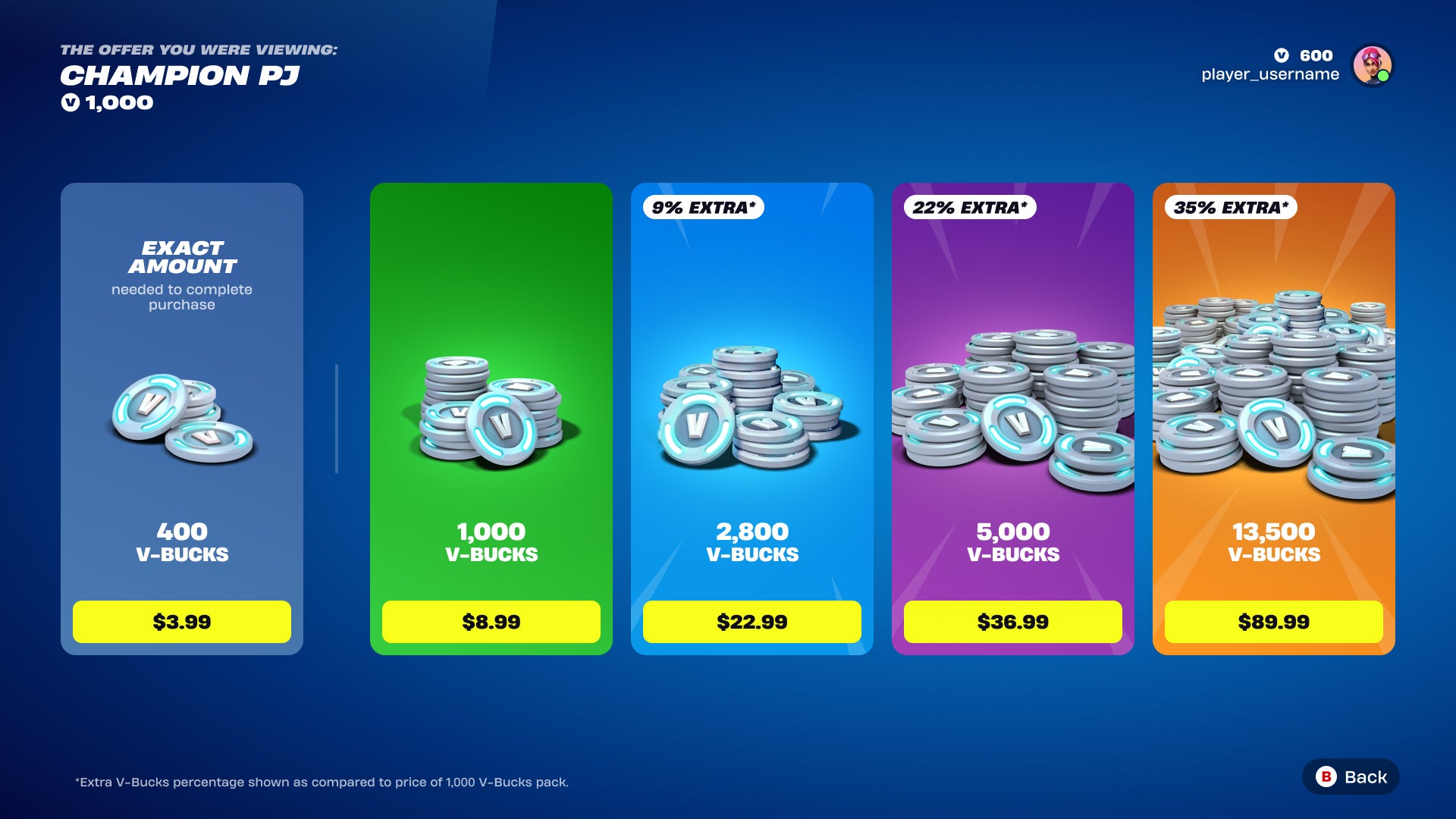
Fortnite follows a “freemium” model, meaning the game is free to download and play, but players can spend real money on in-game items, such as:
- Cosmetic items like character outfits (skins)
- Battle Pass upgrades that unlock rewards and exclusive content
- Dances or emotes for characters to perform in-game
- Early access to game modes
- V-Bucks, Fortnite’s virtual currency
To avoid unexpected charges, it’s wise to enable parental controls that require a PIN for in-app purchases. This can be set up through the Epic Games Store or directly on your child’s device.
Fortnite Parental Controls Explained
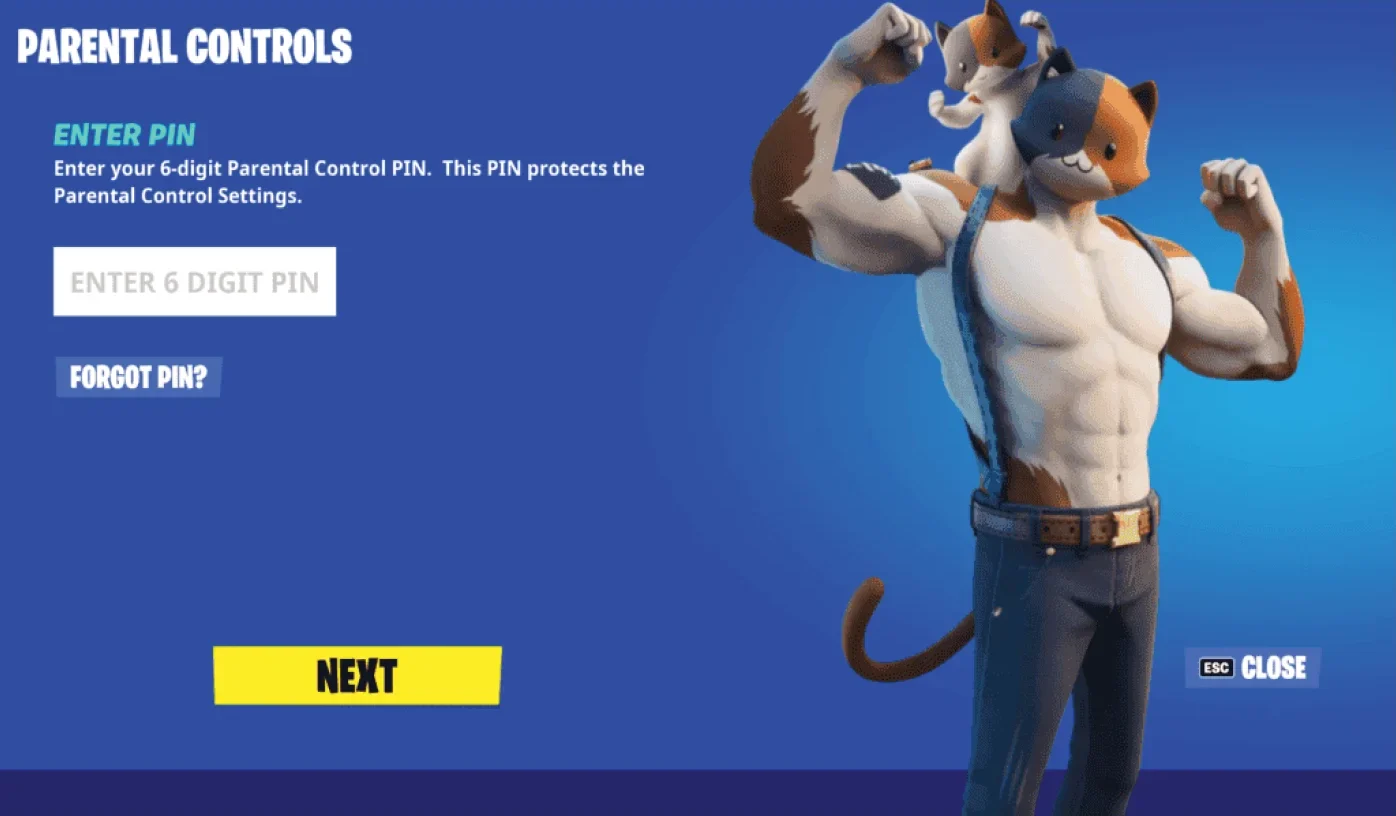
Yes, Fortnite includes robust parental controls that allow parents to manage gameplay, communication, and spending for younger players. These controls are part of the Epic Games account system and help make the game safer and more age-appropriate.
Key Features of Fortnite Parental Controls:
1. Setup
- Parents create a 6-digit PIN to access and change parental control settings.
- Controls are managed through the Fortnite menu or Epic Games account settings.
2. Communication & Social Interaction
- Limit who your child can communicate with via voice and text chat (options include Everybody, Friends & Teammates, Friends Only, or Off).
- Filter mature language in text chat to prevent exposure to inappropriate words.
3. Spending & In-Game Purchases
- Require the PIN for in-game purchases so children cannot spend money without permission.
- Accounts for children under 13 need parental consent before allowing purchases.
4. Gameplay Limits
- Set time limits on daily play or customize play windows.
- Optionally require requests for extra playtime.
5. Age-Appropriate Features
- For younger players, some features like chat and purchases are automatically restricted until parental consent is provided.
6. Access & Management
- All parental controls can be managed in-game or via the Epic Games account portal.
Potential Risks and Safety Concerns in Fortnite
Whether Fortnite is suitable for your child largely depends on their maturity and ability to follow rules. It’s a good idea to preview the game yourself to see if it aligns with your family’s standards.
As with any new media, parents should take a proactive approach: set clear guidelines, use filters for mature language, and ensure your child only plays with people they know in real life.
Keep in mind that even if your child’s in-game experience is age-appropriate, they might encounter more intense or violent content in Fortnite videos on platforms like YouTube.
By establishing boundaries and open communication, you can help make Fortnite a safe and positive experience, encouraging responsible gaming while letting your child enjoy its social and strategic elements.
FAQs
1. What age is Fortnite appropriate for?
Fortnite is rated T for Teen (13+) by the ESRB. With parental controls and supervision, younger children (around 10+) can play safely.
2. Is there violence in Fortnite?
Yes, the game involves combat between players. However, the violence is cartoonish and non-graphic—defeated characters simply disappear from the screen.
3. Are there sexual or inappropriate themes in Fortnite?
No, Fortnite does not contain sexual content or nudity. Any inappropriate content could only come from other players through open chat.
4. Can my child spend money in Fortnite?
Yes, Fortnite offers in-app purchases, including skins, emotes, Battle Passes, and V-Bucks. Parents can set up PIN-protected parental controls to prevent unauthorised spending.
5. What parental controls are available in Fortnite?
Parents can:
- Turn off voice and text chat
- Filter mature language
- Hide their child’s in-game name
- Block in-app purchases
- Control who can join their child’s online group (Private setting recommended)